Select region and language
Tips for Using Vol.10
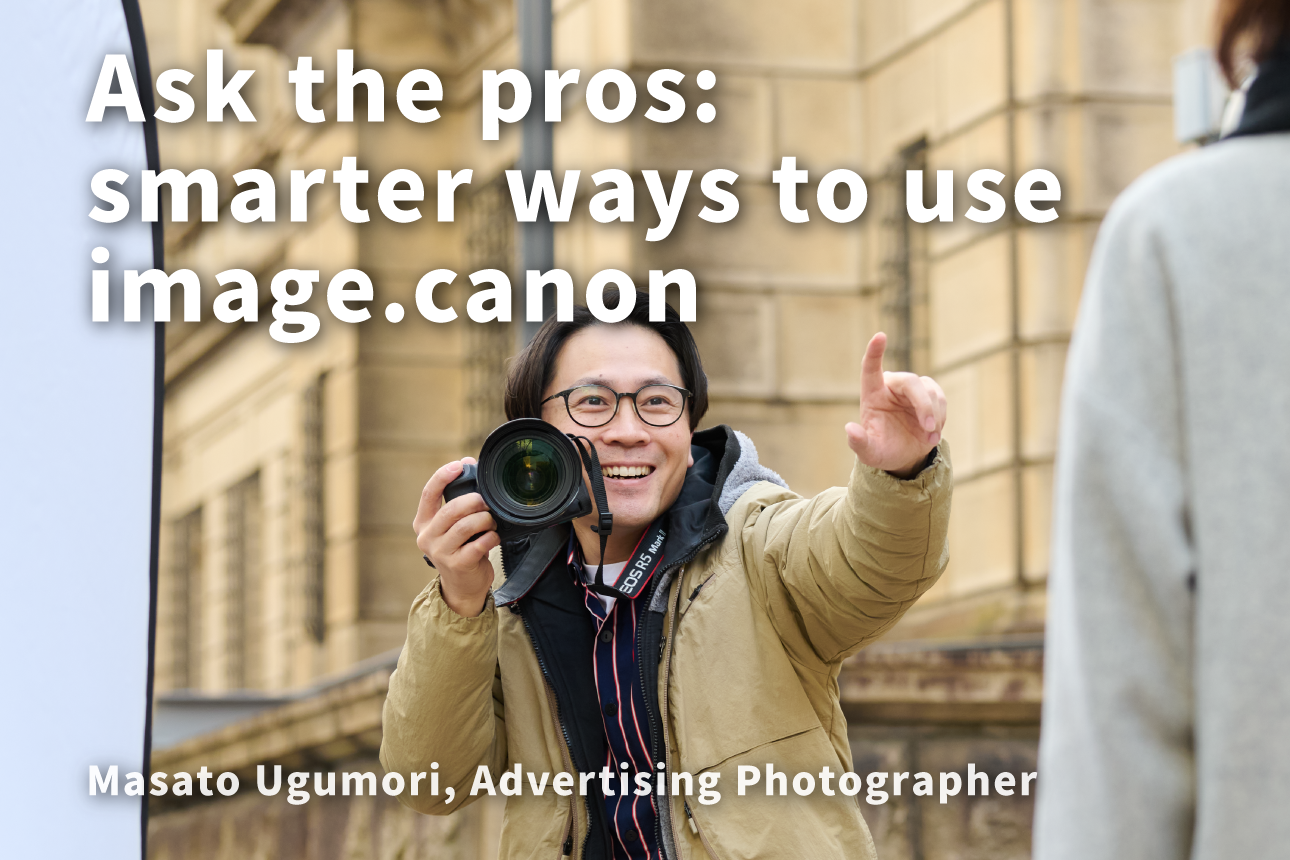
image.canon used in commercial photography settings
Since its launch, image.canon has been used by many Canon users around the world.
In Tips for Using Vol.10, as special content, we bring you an interview with advertising photographer Masato Ukumori, sharing how image.canon is used in professional shooting environments.
Advertising photos that bring out the appeal of your products and services
Creating compelling visuals through team collaboration
Our job isn’t just to take beautiful photos—it’s to deliver the level of quality our clients expect in advertising materials.
To do that, we need to understand the concept, including what the photo should communicate and how it will be used in the ad; it can’t be achieved by shooting skills alone.
Directors, designers, coordinators, stylists, and—when working with models—hair and makeup artists, plus retouchers who finish the images… a wide range of specialists share the advertising concept and work together on every shoot.
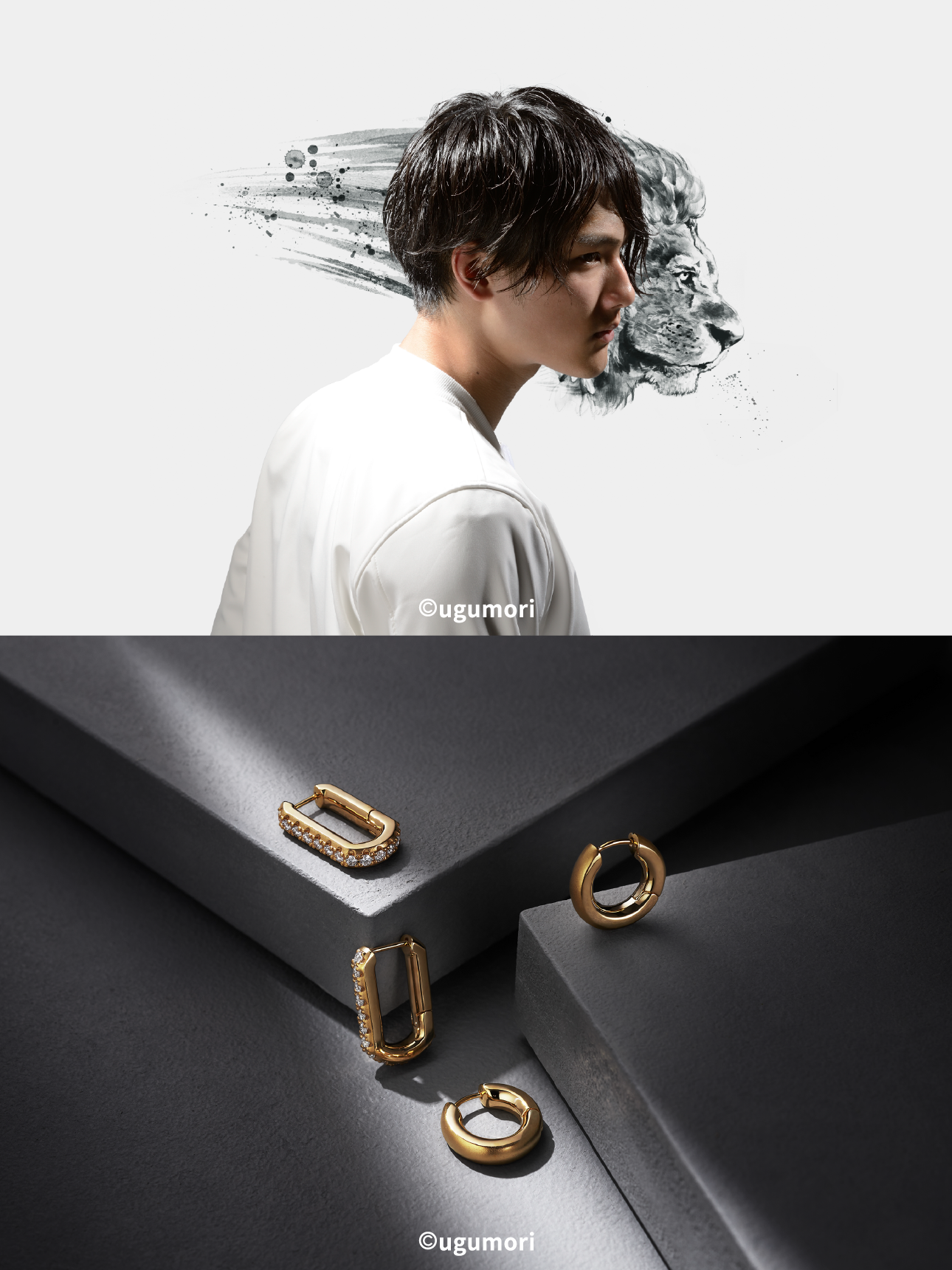
Advertising photography from Mr. Ugumori’s studio work
Building the right shooting setup for every situation
In the studio, tethered shooting—reviewing images in real time while importing data—is now the norm. But on location, it’s not uncommon to shoot with minimal gear and a small crew. Outdoors, where weather and light can change from moment to moment, fast decision-making is critical, and you also need smart ways to share information across the team.
Put image.canon to work as a third backup—and a simple way to share previews with everyone involved
At first, I used image.canon as a third backup destination to add redundancy to my data. Now that the auto-sorting feature is available, I also use it as an easy way for everyone involved to preview the images.
Uploading for peace of mind and transferring the sorted files in one go is truly two birds with one stone. Being able to filter out soft-focus shots or photos with closed eyes and share only lightweight JPEGs for preview has dramatically improved our efficiency—especially on overseas shoots, where that reassurance really matters.
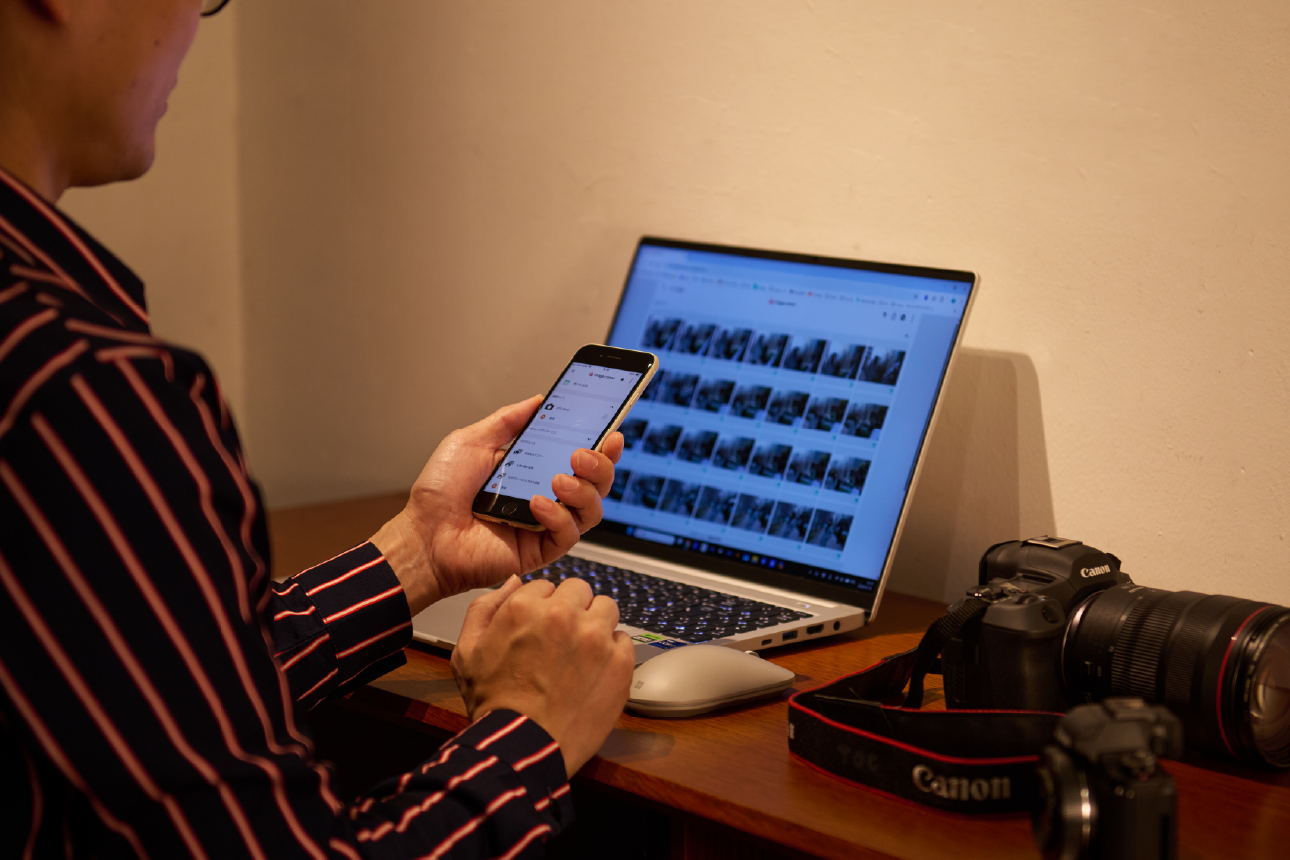
After the shoot, the RAW data is developed and refined down to the smallest details to finish the image as an advertising photo. That process becomes studio work with a retoucher, and using image.canon has made the workflow from location shooting to final delivery feel noticeably smoother.

I think the auto-sorting feature in image.canon is well worth trying for everyday camera users, too. With a wide choice of categories and the ability to sort by how the photo turned out, it opens up new ways to enjoy your photography.
Masato Ugumori
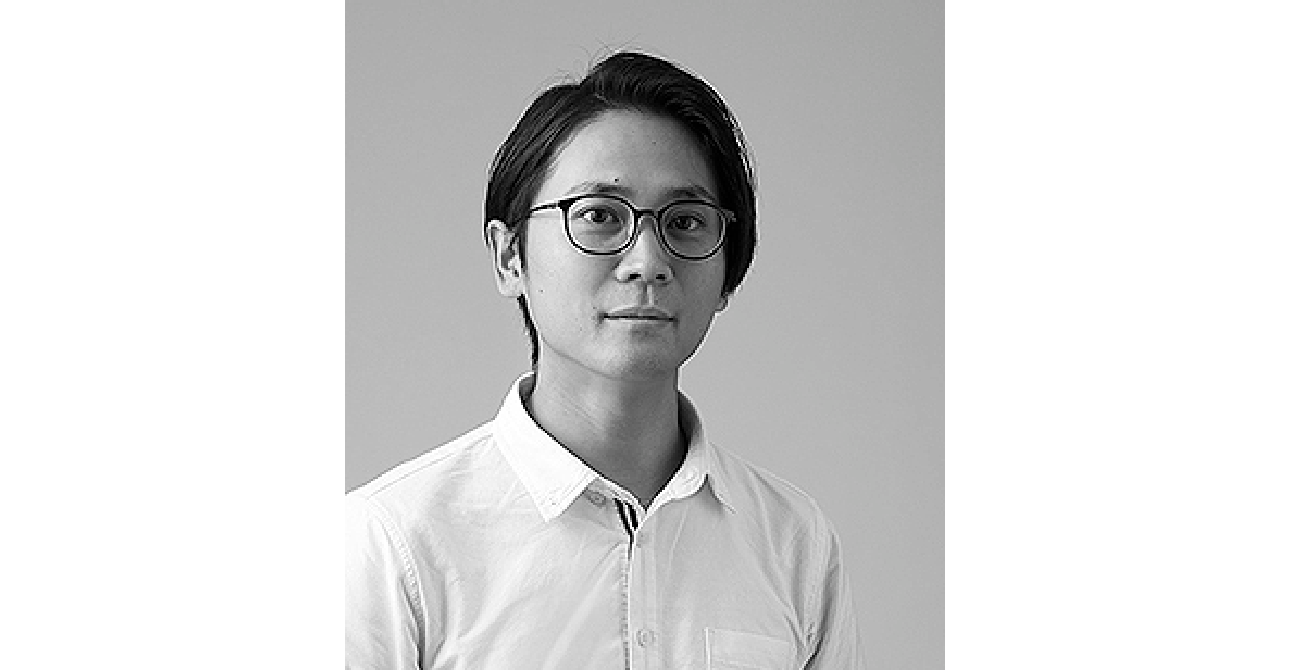
Born in Osaka in 1983
Graduated from the Photography Department of Visual Arts College
Since 2007, based in Tokyo, active mainly in still life photography for advertising, catalogs, and the web