image.canon
Select region and language
How to use image.canon
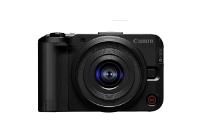
Select camera model
Select region and model
Usage steps
- Initial settings -
Install the app or log in with your Canon ID from your browser.
Connect your camera to image.canon
Create image sorting rules
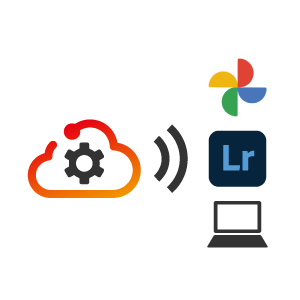
Set up transfer to your PC and storage services
- After shooting -
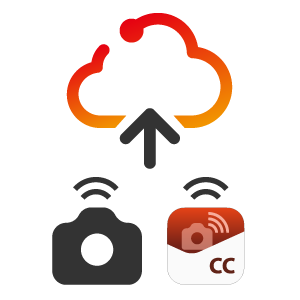
Upload images from your camera or Camera Connect
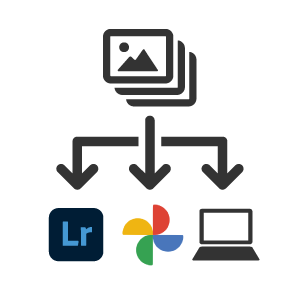
Automatically sort and forward according to pre-set settings

Use sorted images in your usual workflow
You can view and share reduced images even after 30 days