image.canon
Select region and language
Set up automatic sending
Select
 .
.
.
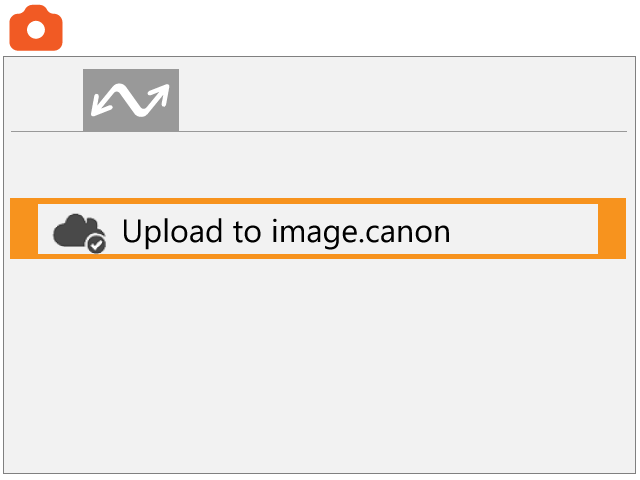
Press the [MENU] button to open the menu, switch tabs and select [Upload to image.canon].
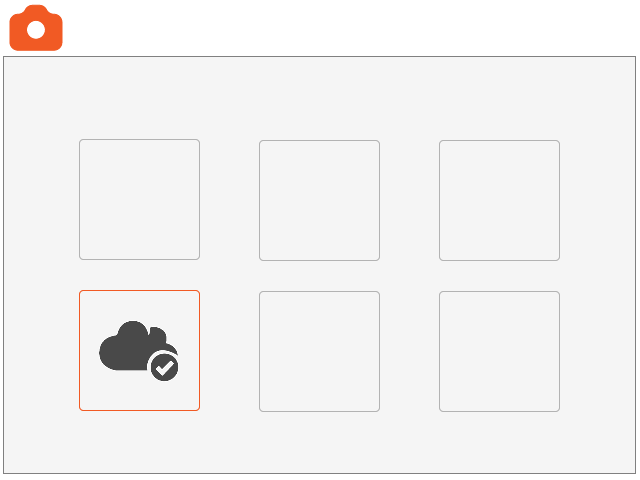
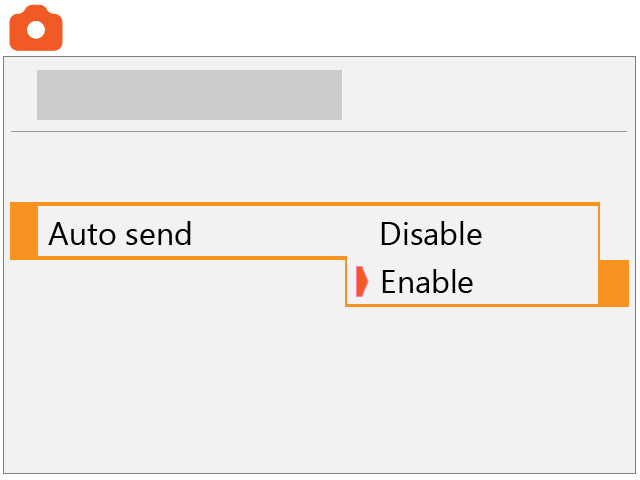
Set [Auto send] to [Enable].
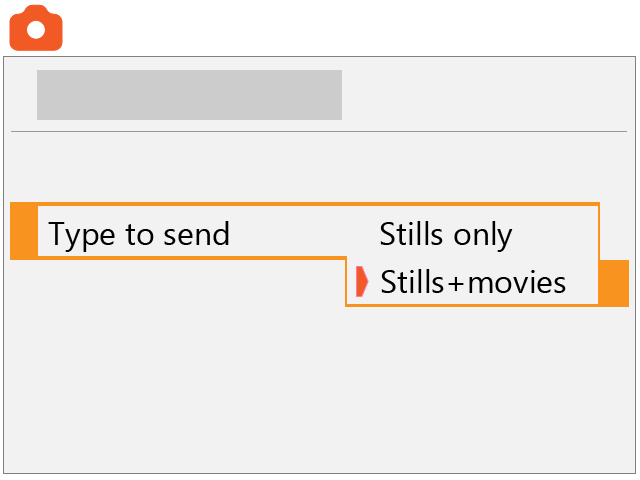
Select [Type to send].
Set to [Stills only] or [Stills+movies].
Restart the camera.
The images are now sent automatically.