image.canon
Select region and language
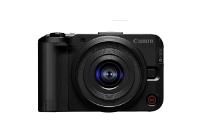


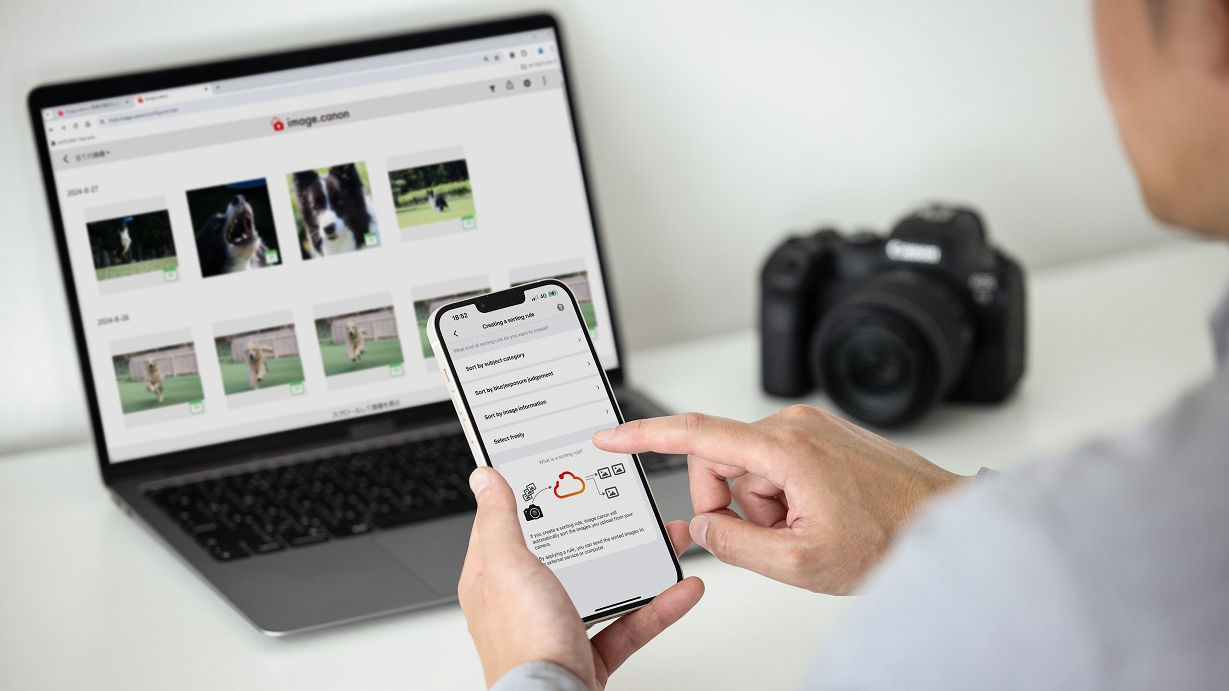
Image ingesting, sorting, and transfer are all automated.
Leave it to image.canon.
Leave it to image.canon.
□□□□□□□
See details
Easily send lots of camera images to the cloud.
Store all of them for free for 30 days.
Store all of them for free for 30 days.
Seamless upload from your camera
Easily and seamlessly send images from your camera to image.canon. Upload without worrying about file size or format.

Easily upload from Camera Connect
Once you've ingested the images to your smartphone using Camera Connect, you can upload them straight to image.canon. Even if your camera doesn't have a Wi-Fi connection, you can still upload images to image.canon.
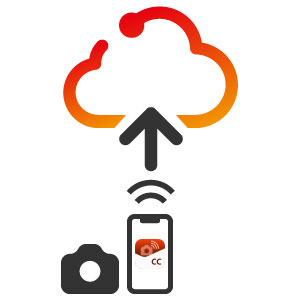
30 days free storage
We store your uploaded original image files in the cloud for free for 30 days.

View the reduced image after 30 days
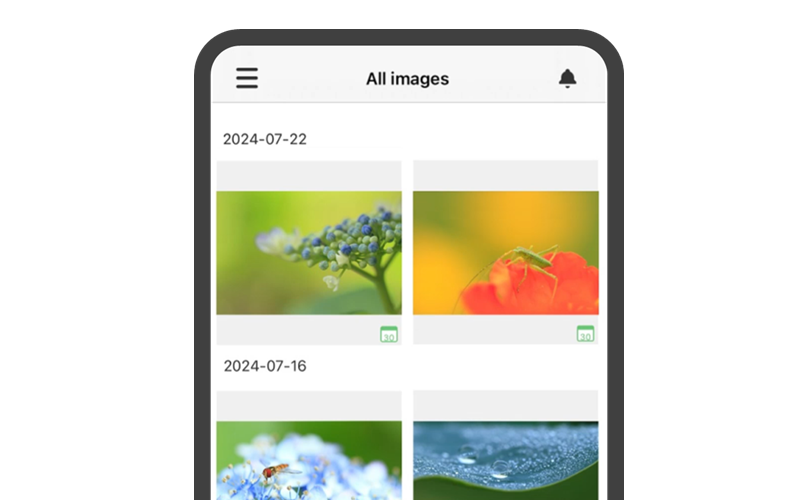
Even after 30 days, reduced images (long side 2048px) will remain in your account for viewing and can be viewed and shared on image.canon.
□□□□□□□
□□□□□□□
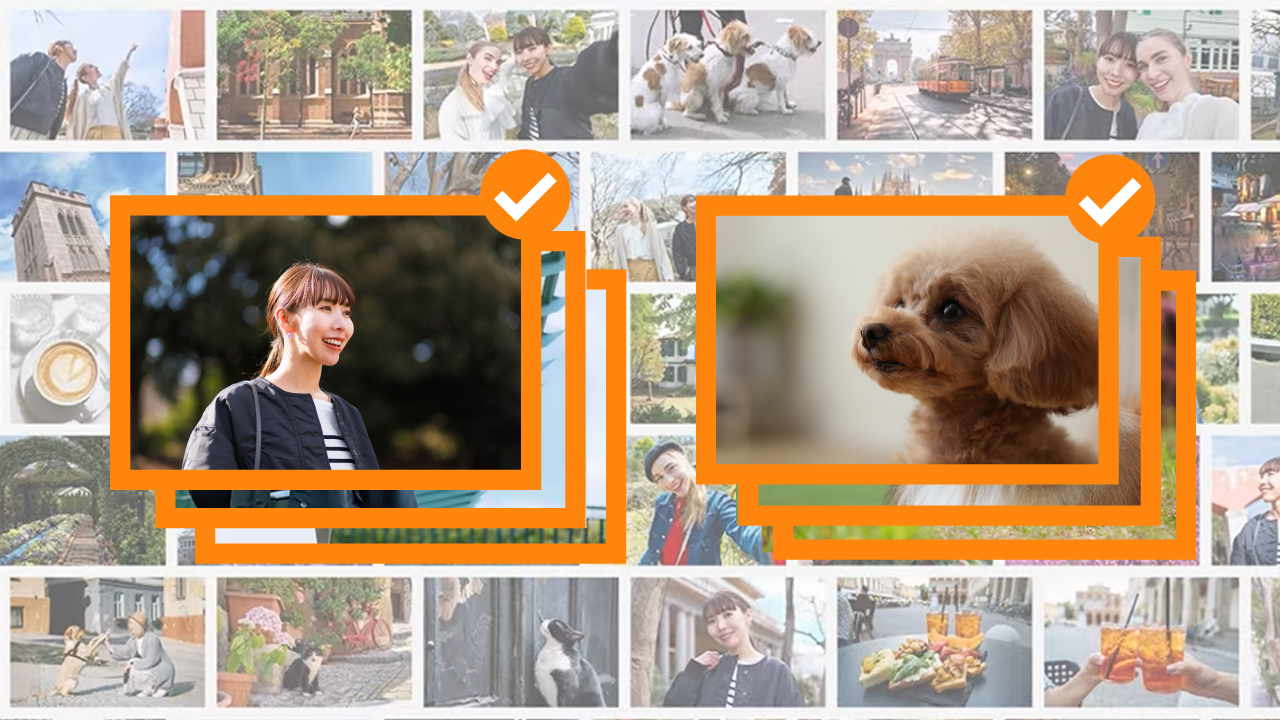
Automatically sort large volumes of images to match your workflow.
Create sorting rules that work well for you
Uploaded images are sorted according to rules you create.
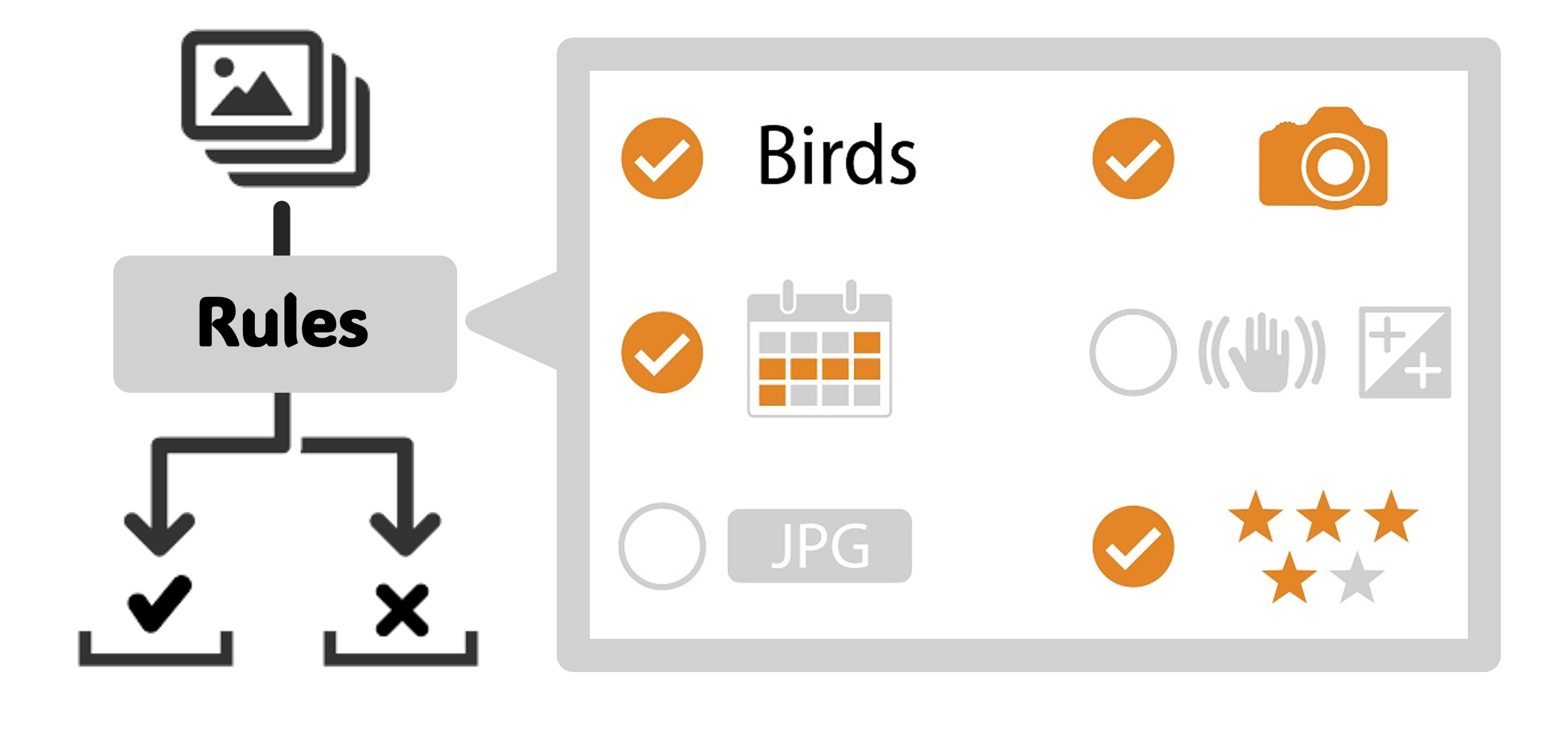
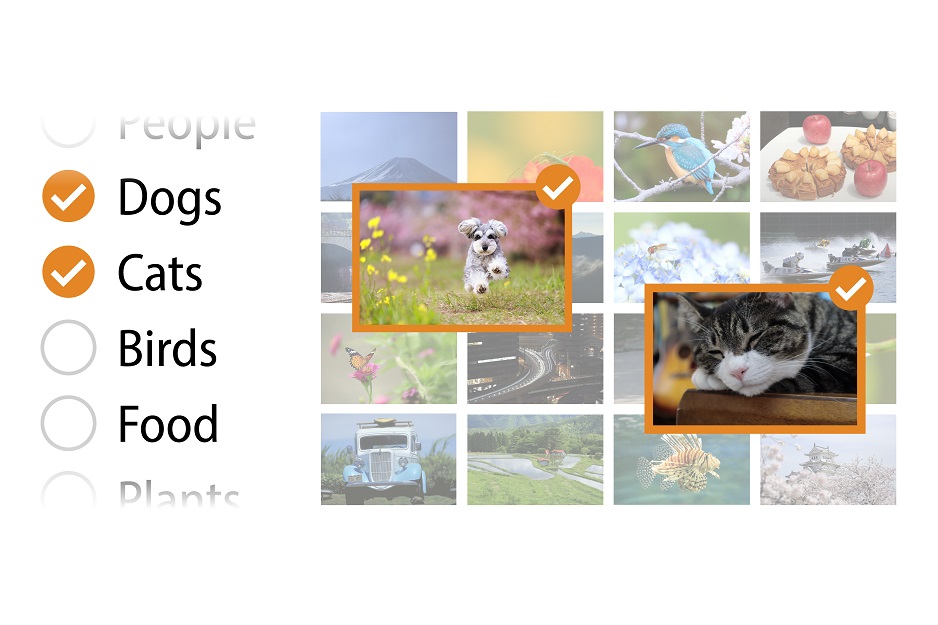
Sort by subject category and shooting information
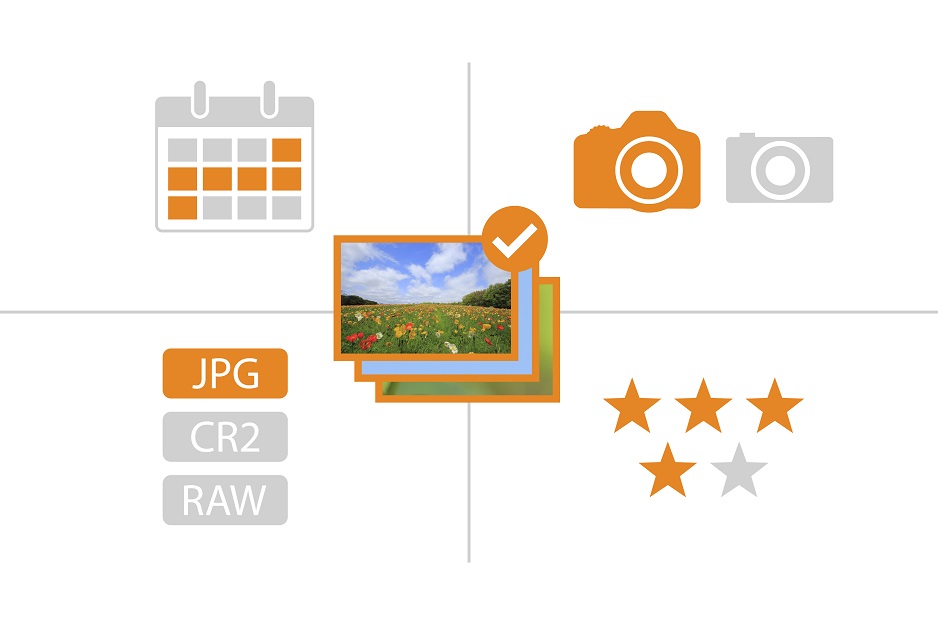
Images are sorted by determining whether the subject falls into one of 17 typical categories. Images are also sorted by shooting date, equipment used, and assigned ratings.
Sorting by faces
Sort images by identifying faces of people you've registered in advance.

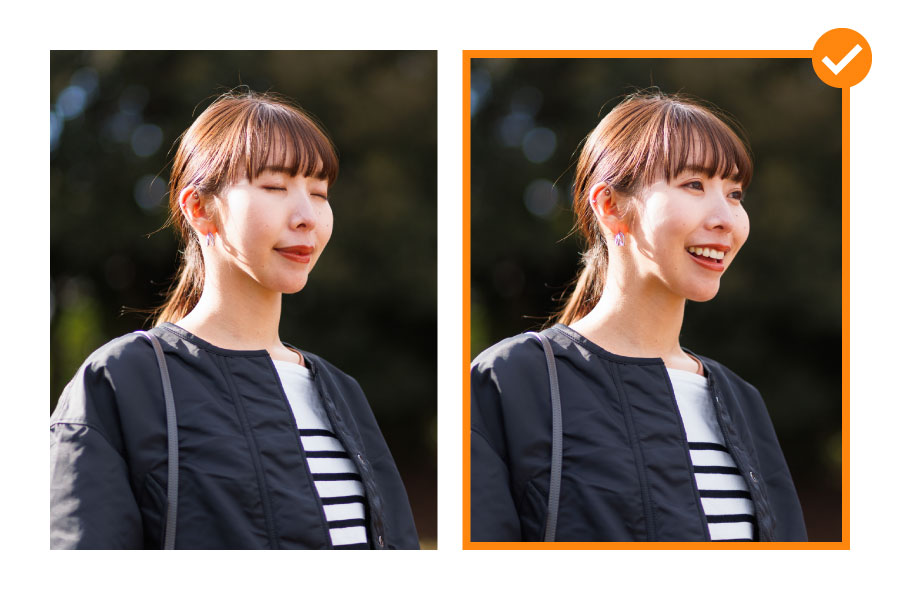
Sort by facial focus and facial expression
Sort images by whether the person's face is in focus, whether they're smiling, and whether their eyes are closed.
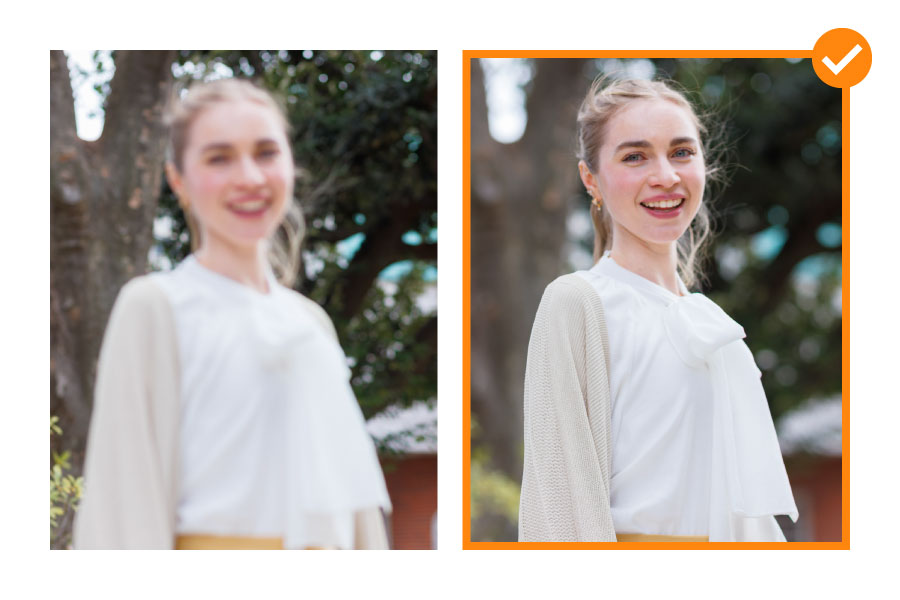
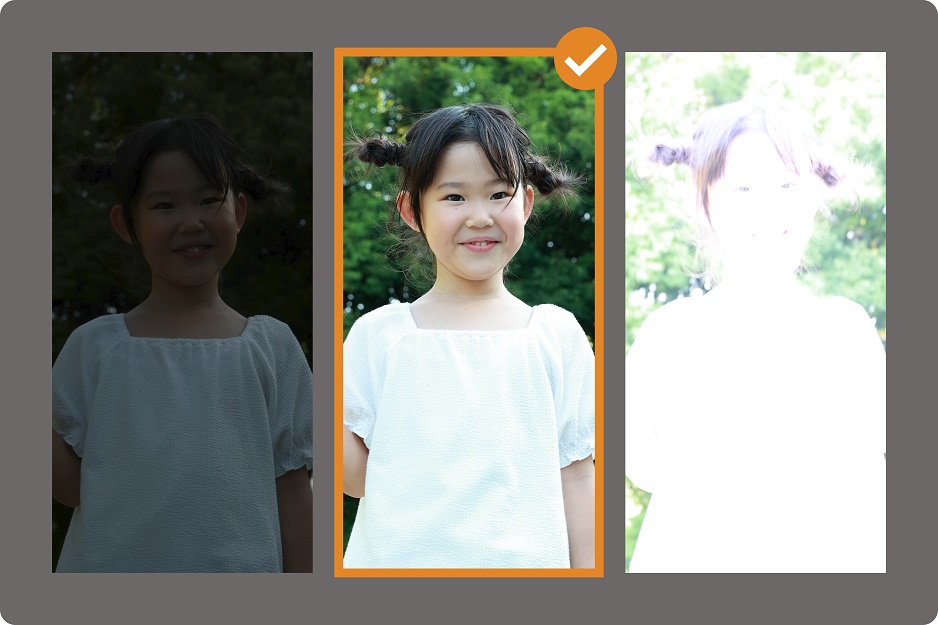
Sort by blur, bokeh, and exposure
Sort images by whether they have camera shake, are out of focus, or have proper exposure.


□□□□□□□
□□□□□□□
Automatically forward image files to your PC or storage service, seamlessly connecting to your workflow.
Automatically forward to your usual storage
Automatically forward images to Google Photos, Google Drive, Adobe Lightroom, and Frame.io. Image information used for sorting will be available at the destination.

Google Photos
Uploaded images can be automatically transferred.

Google Drive

Adobe Photoshop Lightroom

Frame.io

Flickr
Automatically downloads to your PC
By installing Downloader for image.canon on your PC, uploaded images will be automatically downloaded. If you set sorting rules, images will be downloaded to folders according to the rules.

Watch the intro video
□□□□□□□
- Initial settings -

Install the app or log in with your Canon ID from your browser.

Connect your camera to image.canon

Create image sorting rules
Set up transfer to your PC and storage services
- After shooting -
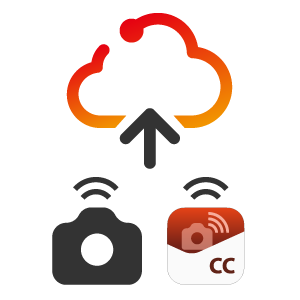
Upload images from your camera or Camera Connect
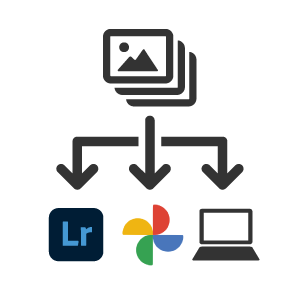
Automatically sort and forward according to pre-set settings

Use sorted images in your usual workflow

You can view and share reduced images even after 30 days