image.canon
Select region and language
1. Launching the app
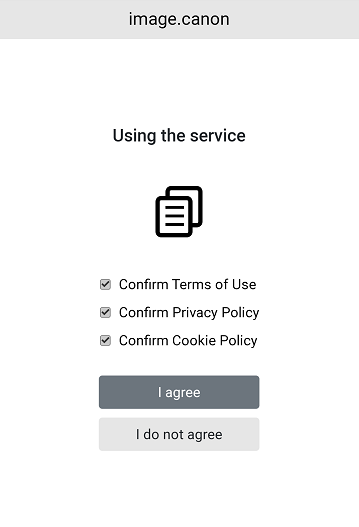
Launch the image.canon app. If this is your first time using the app, please agree to the terms of use and then connect your camera.
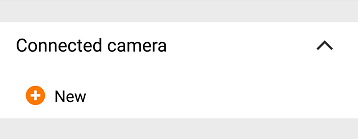
From the next time onward, tap [+] in [Connected camera] on the menu to start the connection.
2. Selecting your camera model
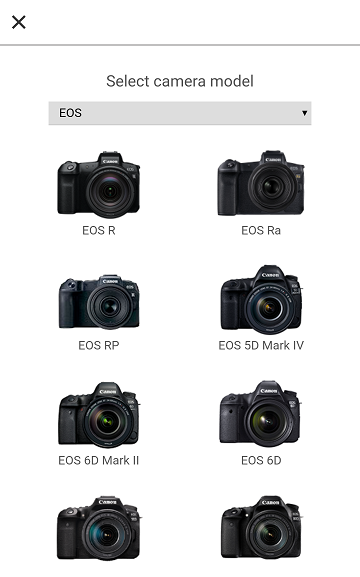
Select the model of the camera you are connecting. The connection procedure for that model of camera will be displayed.
3. Operating your camera
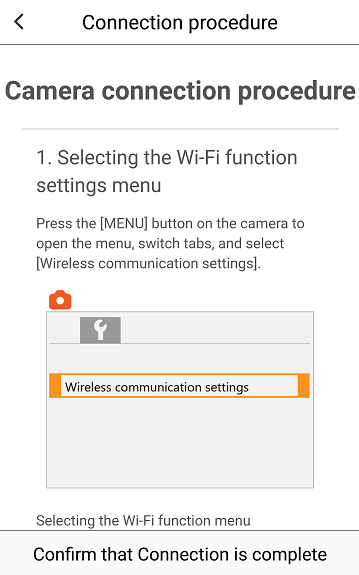
Operate your camera according to the displayed connection procedure.